
How To Play
Barry Bird Travels Thru Many Worlds
Let's take a look at how to navigate them
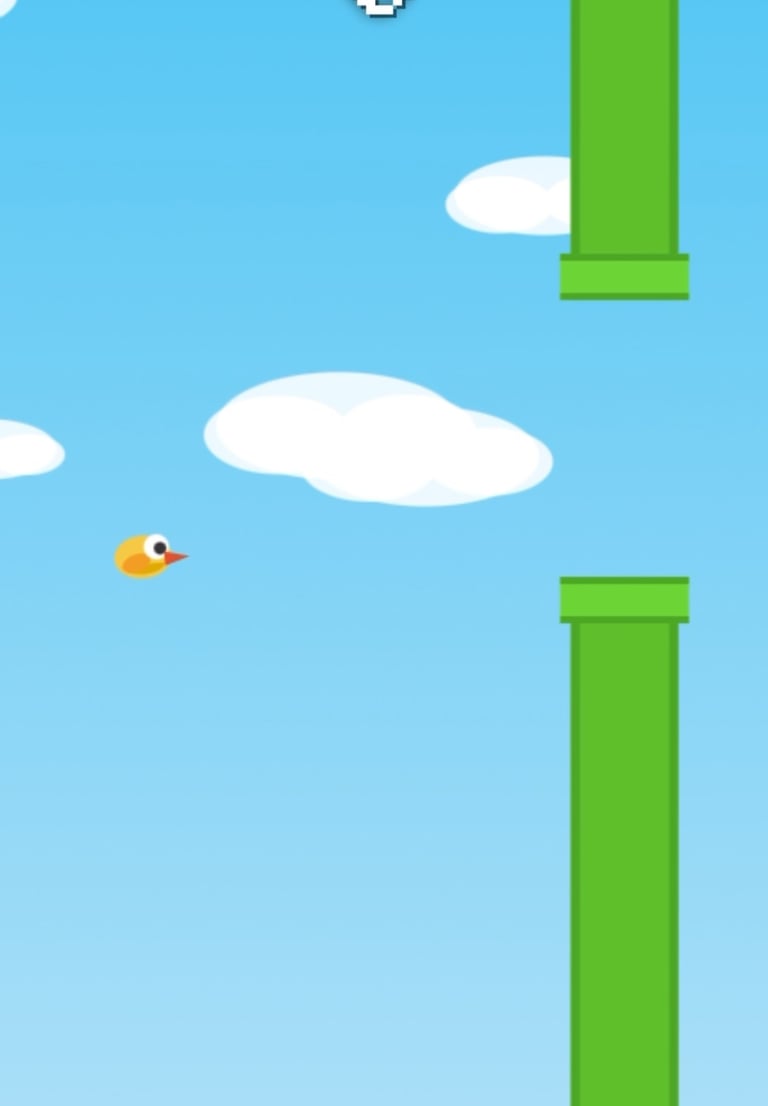
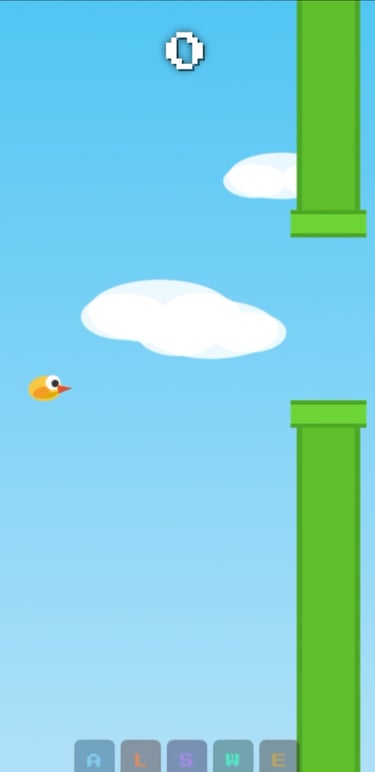
Air World
Desktop Controls For Web - Air World & Lava World
Use Directional pad to Slide the screen scroll slider up or down
Mobile Controls - Slide the:
Use slider on screen to scroll slider up or down
Lava World
Desktop Controls For Web - Air World & Lava World
Use Directional pad to Slide the screen scroll slider up or down
Mobile Controls - Slide the:
Use slider on screen to scroll slider up or down
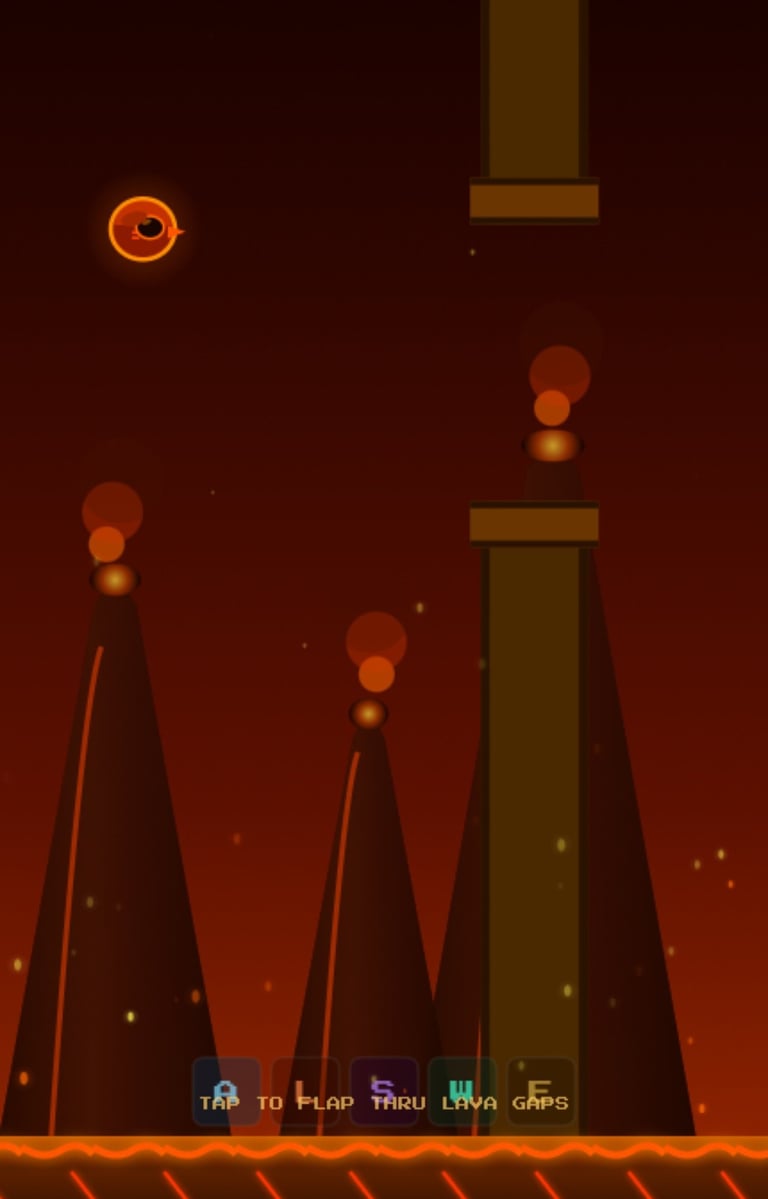
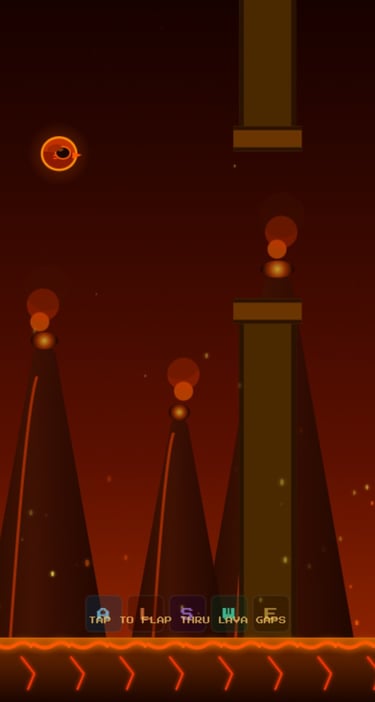
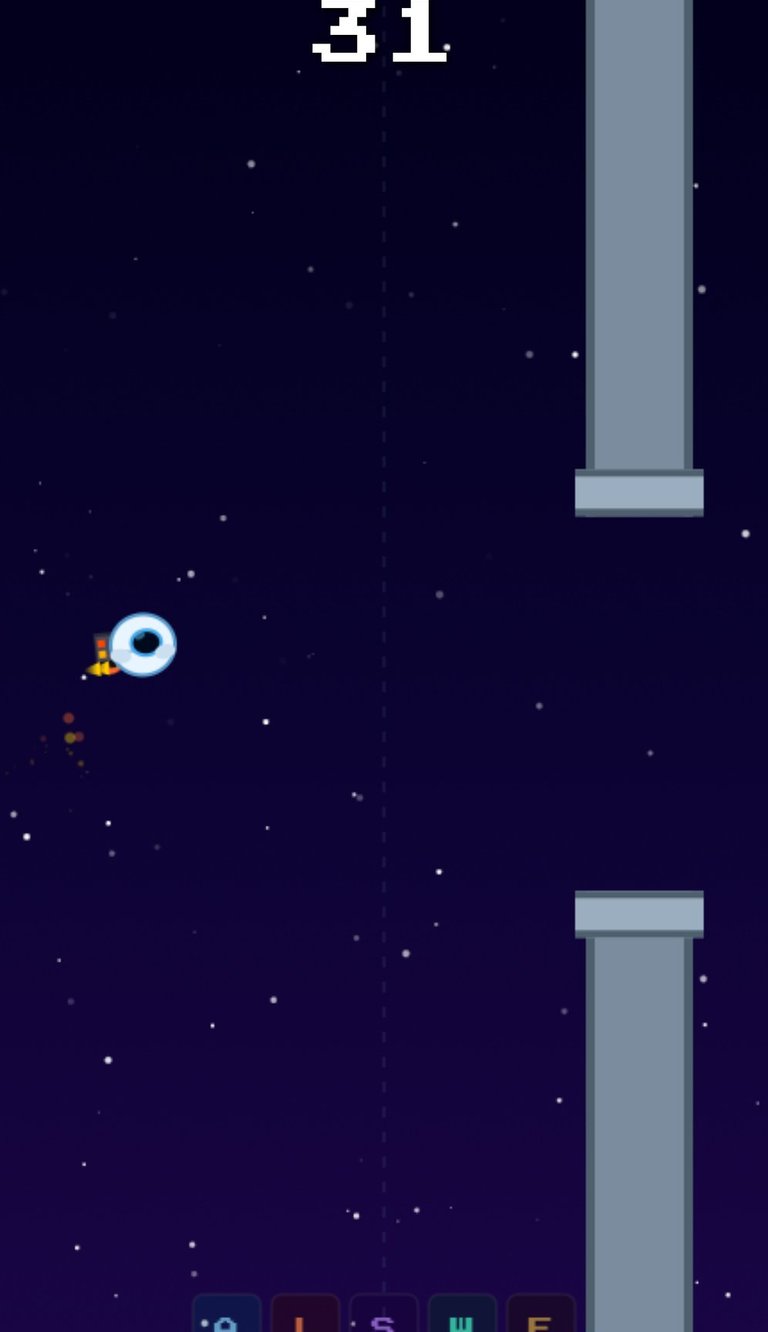
Space World
Desktop Controls For Web - Space World
Desktop Controls For Web - hold the:
Space bar to thrust up,
Shift + space bar to thrust down,
Up arrow to thrust up,
Down arrow to thrust down,
Left arrow to thrust up,
Right arrow to thrust down
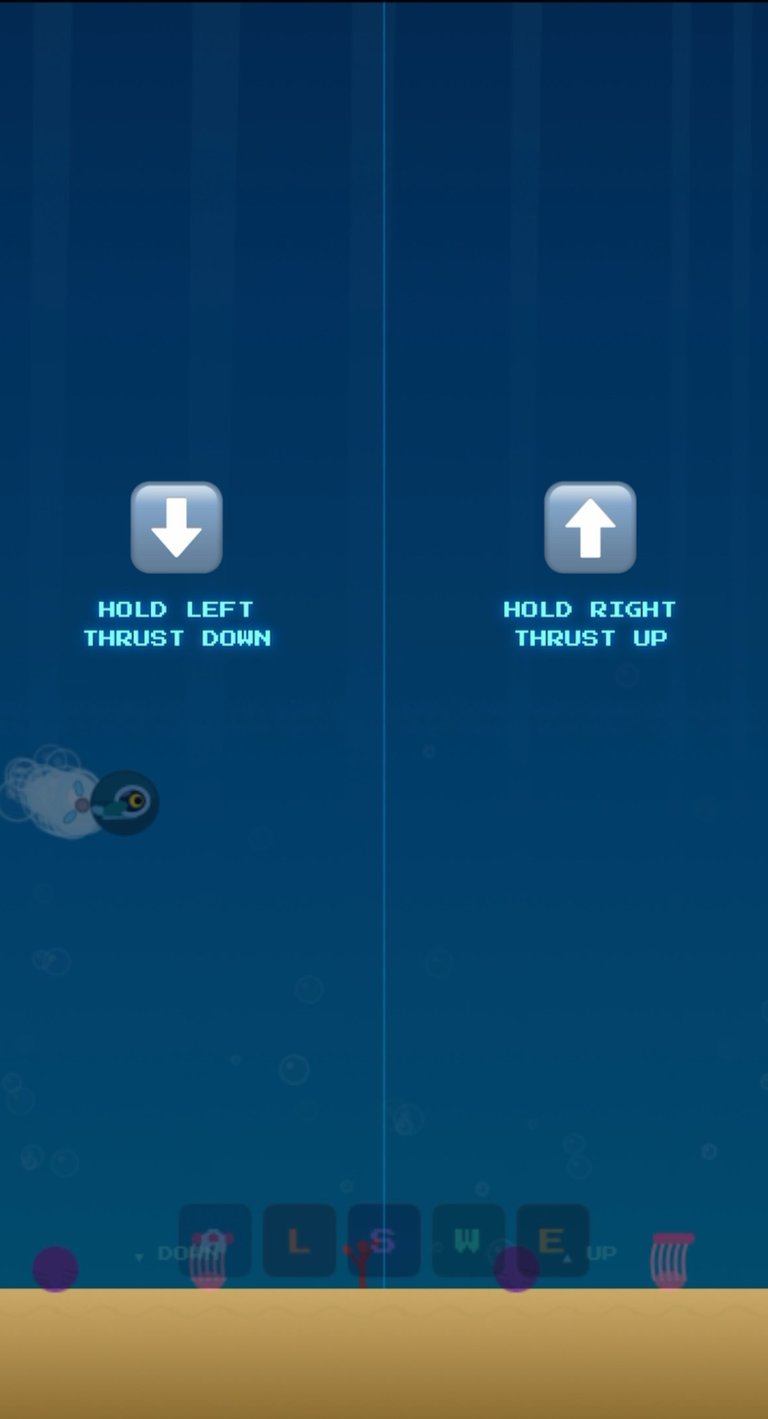
Mobile Controls - hold the:
Left half of screen to thrust up,
Right half of the screen to thrust down
Water World
Desktop Controls For Web - Water World, Earth Realm
Desktop Controls For Web - hold the:
Space bar to thrust up,
Shift + space bar to thrust down,
Up arrow to thrust up,
Down arrow to thrust down,
Left arrow to thrust up,
Right arrow to thrust down
Mobile Controls - hold the:
Left half of screen to thrust up,
Right half of the screen to thrust down
Earth World
Desktop Controls For Web - Earth World
Desktop Controls For Web - hold the:
Space bar to thrust up,
Shift + space bar to thrust down,
Up arrow to thrust up,
Down arrow to thrust down,
Left arrow to thrust up,
Right arrow to thrust down
Mobile Controls - Hold the:
Left half of screen to thrust up,
Right half of the screen to thrust down
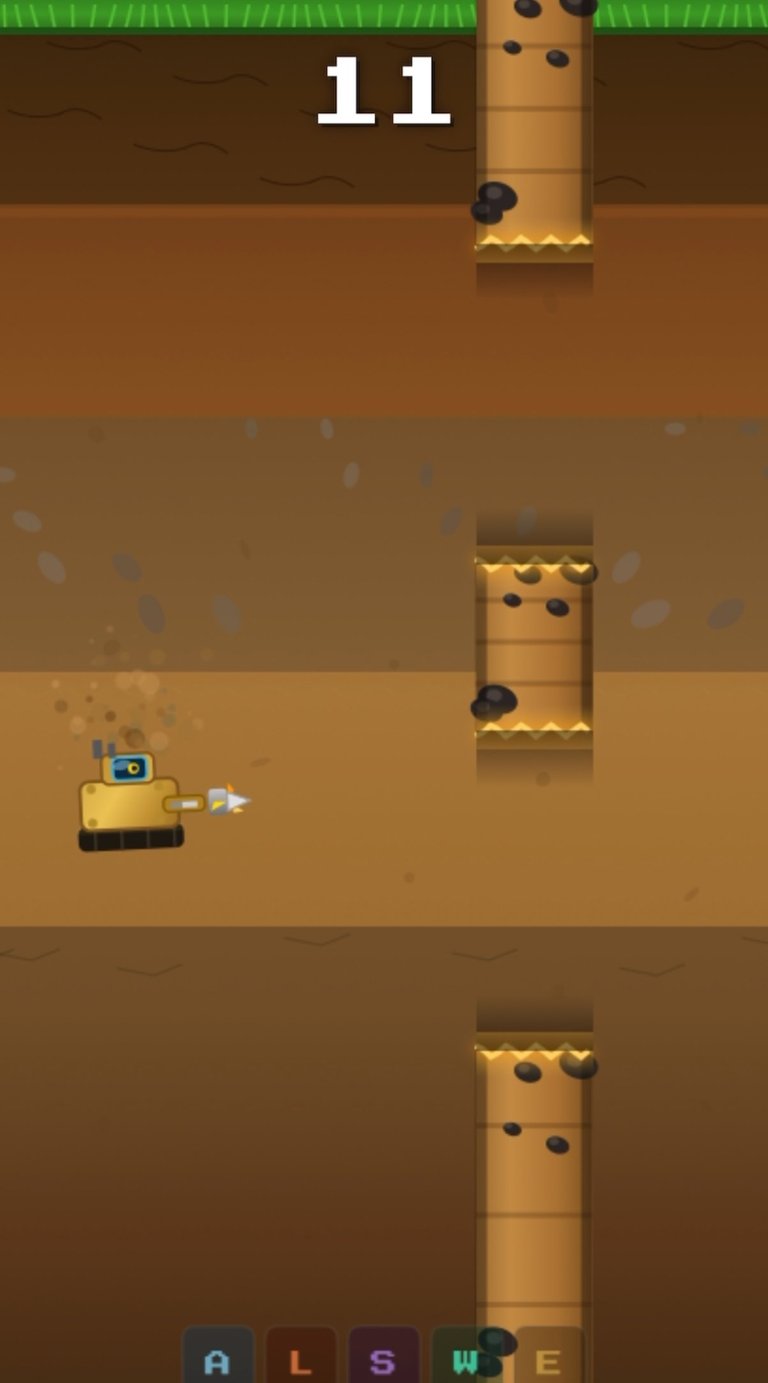
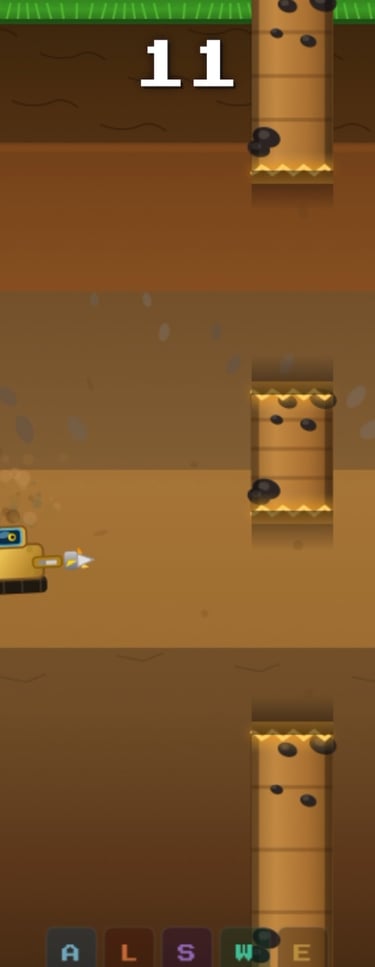
Power-Up's
Power-Up Each letter coincides with that powerup usage
“A” button - Air Powerup
“S” button - Space Powerup
“L” button - Lava Powerup
“W” button - Water Powerup
“E” button - Earth Powerup




Contact
Questions? Reach out anytime, we love to chat.
Call
hello@birdflightworldtour.com
+1-415-570-2720
© 2026. All rights reserved.